
MIGHTY MZANZI

WINNER of Best mobile game

ROLE
Character and Environment Artist
Mighty Mzanzi was a collaborative project throughout its development cycle as well as a learning process.
One technique I refined while working on it was the use of Blender as a tool to create assets for 2D games.
My 2D art skills are showcased in this project which includes a variety of concepts, environments, and character art.
3D modelling | Texturing | Blender 3D | Concept Art | Mobile Dev | Photoshop | Art Lead | Teamwork | Game Design
SKILLS & Software
DEVELOPMENT PERIOD
August-December 2022
GENRES
Casual | Infinite Runner | Mobile
PLATFORMS
Mobile

MOCKUP

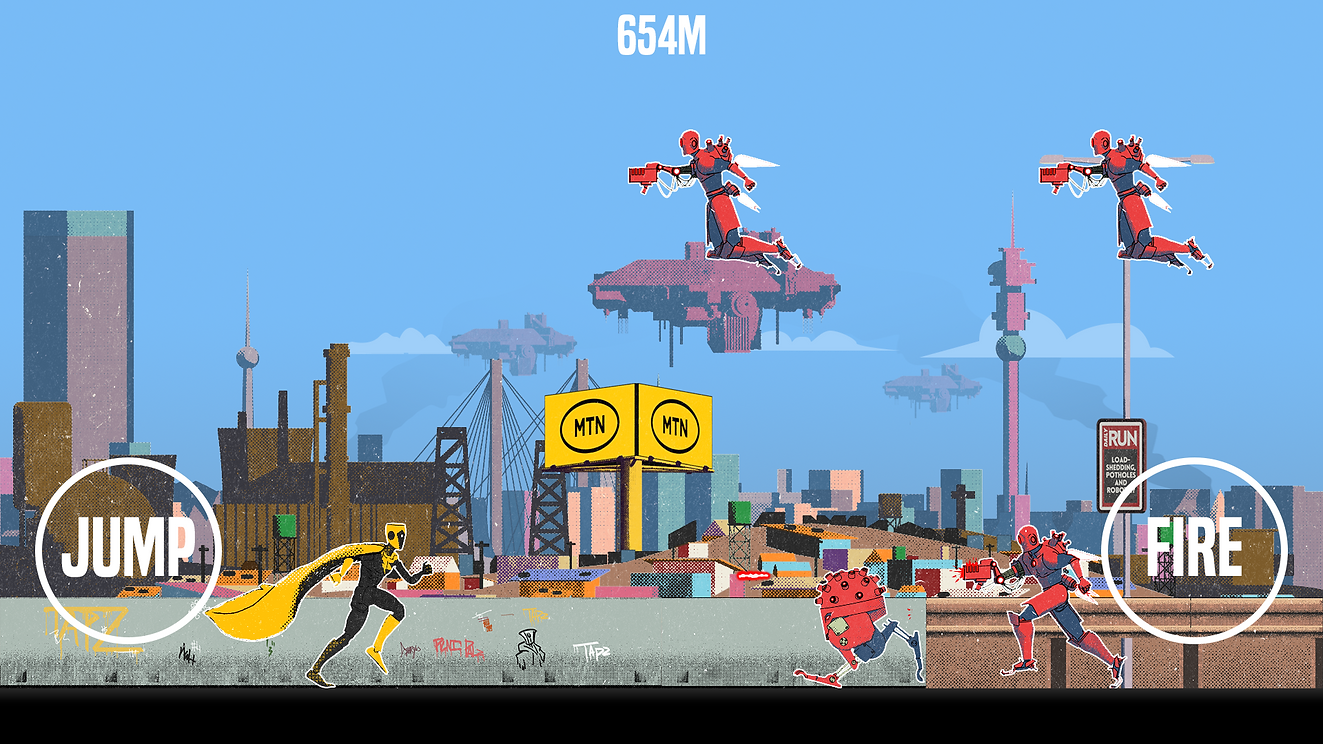
Run your way through the streets of Johannesburg and fight off the alien invaders!
Mighty Mzanzi is currently available on MTN's Mzanzi Games and is free to play.
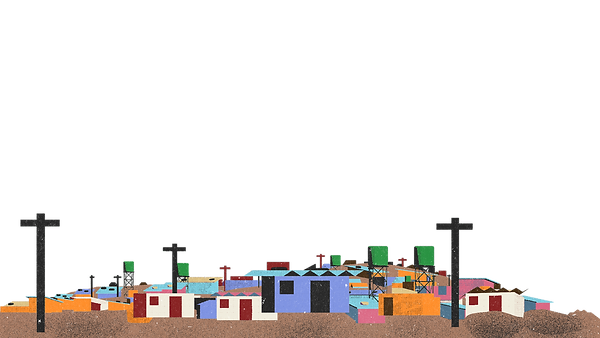
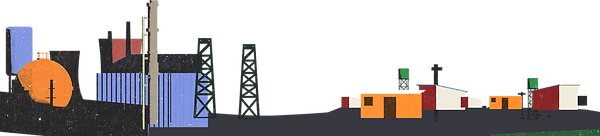

asset creation process

When winning a 'develop your game further' prize at a game jam, it can be expected that your development timeline is limited to a few months. So, I needed to devise a method for rapidly iterating on and producing sprite sheets of high quality and consistency. To kickstart this process, I turned to the place I usually go when I have an art-related question: Blender.
The next question that arose was, 'What should be our style?' The game we had created during the jam had a vaporwave theme, resembling a chaotic blend of neon colours and surfing TV screens, (which can be seen here). However, we felt the need for something more relatable and accessible. Eventually, we settled on a superhero theme and a retro art style.
After we'd finalized the theme and title promptly established a production pipeline.
Step 1: Model your character, Give it NPR textures, Generate the linestyle as a separate layer, animate your cool character and render out each twice (colour and linestyle)


Step 2: Setup your adjustment and pattern layers in Photoshop, setup your masks for different colour regions, do this for each frame, try not to cry.


Step 3: Add hair/flames for each images, don't do that, have the head not bob in the animation so you can create a 4 frame loop for the hair and attach it in Unity

Step 4: Sprite sheets!
Step 5: Animate the cloak separately and hope no one notices.


